Boothbay High School iPad story
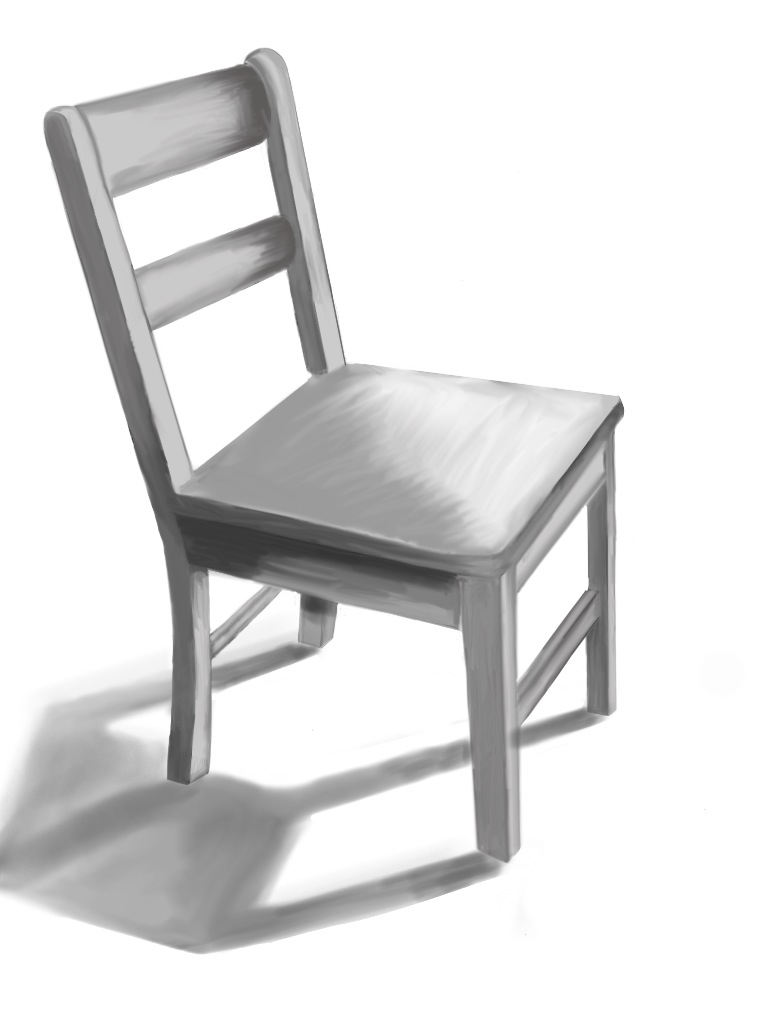
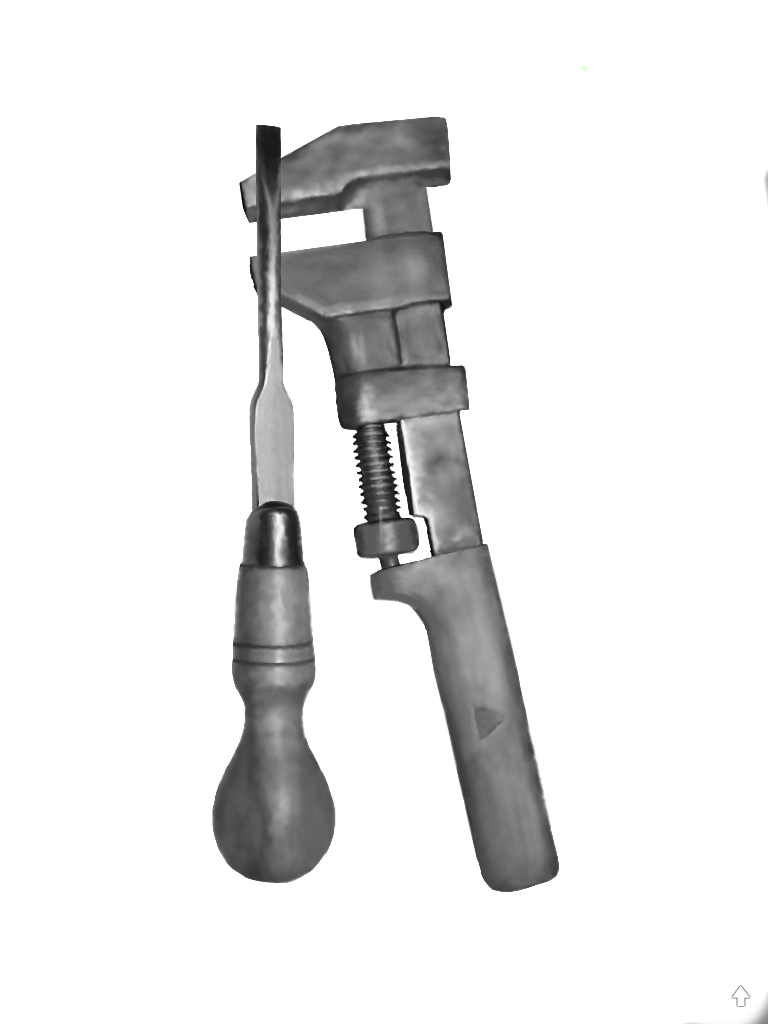
Not too long ago, while at a meeting in Washington county, I had a conversation with Tara Maker from Apple who works with Maine’s Learning Technology Initiative (MLTI). Tara was demonstrating the iPad and mentioning some of the tools on the devise. She showed a student example of a drawing from Boothbay High School. She explained that the student had created her own stylus to be able to create what she wanted in the drawing. Afterwards Tara and I chatted and she emailed me the drawing.
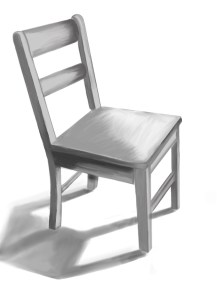
Emilie's drawing, Tara shared that inspired me to contact Emilie
As a follow-up I emailed the student, named Emilie, who kindly answered some questions and sent me drawings. I also emailed Emilie’s art teacher, Manon Lewis to learn more.
Periodically I find myself wondering how my teaching would be different if I were in the classroom today. There are so many wonderful tools and, students thinking is changing rapidly in their world of technology. I understand that this is challenging but also a wonderful gift! (I have to admit I am a bit jealous.) How do you change knowing students are in a very different place and still provide them with the opportunities to learn and grow using the traditional methods?
Below is what I learned through emailing with Manon and Emilie…
Manon:
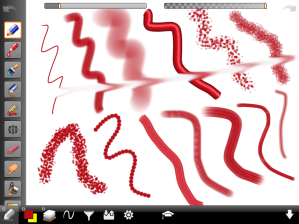
I introduced Emile to the app “Art Studio” (for her ipad) in Intermediate/Advanced Art class. All of our juniors, seniors (and soon sophomores) have ipads…. (I had been playing around with the drawing program myself, showed her, and she seemed really interested!) Since I give observational drawing homework assignments, I encouraged Emilie to use this program to do her homework. (She loves technology.) We experimented together (first with our fingers–which work quite well) and then with a stylus she created from a very, very fine steel wool (which doesn’t scratch the surface of the the ipad) inserted in a straw or pen casing. The “Art Studio” app is fabulous–so much fun and very versatile–The artist can change colors, textures, value–You can also draw over photos that are imported/or taken directly with the ipad itself…text can also be added…drawn over…lots of rich layering is possible! Emile really fine tuned (example: use of shadow and light to depict form..) her drawing–asking for input from me as she went along, just as she would on a drawing done directly on a paper surface with graphite…
Emilie:
How did you get started using the ipad to create/draw/make art?
I am on the tech team at school. We got our iPads early to help find uses in classes and help other students when they all got handed out. The chair was a drawing homework that I asked if I could do it on the iPad.
 What app are you using on the ipad? Tell me a little about it.
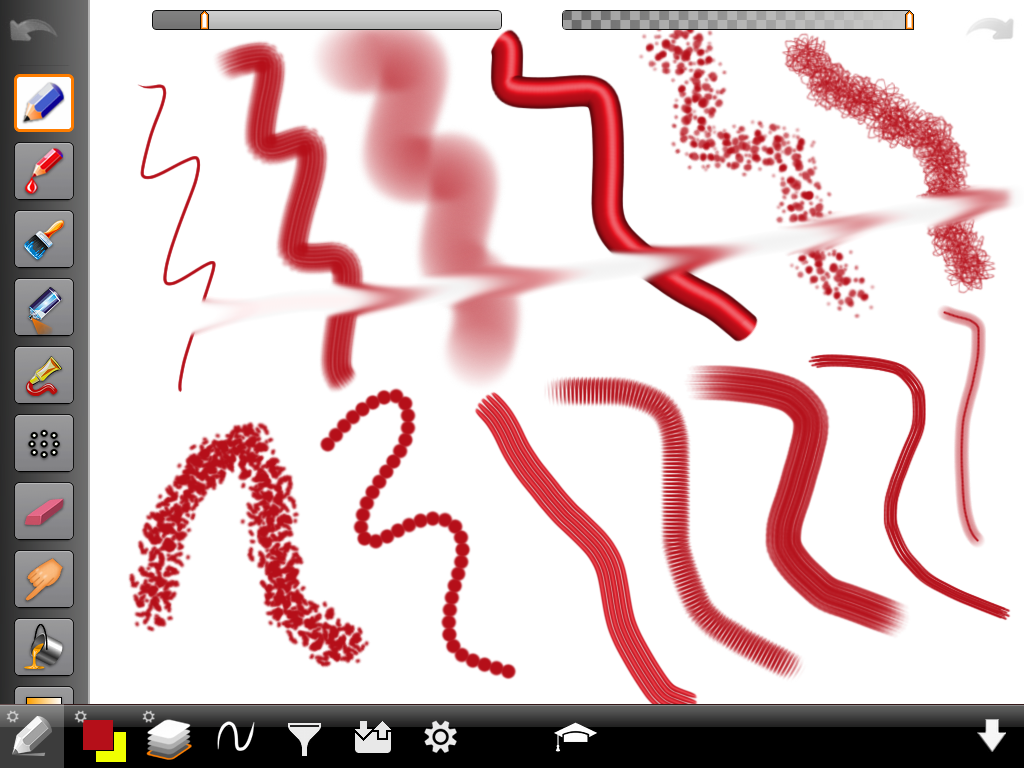
I use art studio. It’s a pretty nice app. It cost about 1.99 you can draw with a pencil, paint, spray paint and my favorite is smudging. You can zoom in and out to do details. You can also change the brush size.
Do you see the ipad as another medium to make art or completely separate?
I think the iPad could become a new medium.
What did you learn in your art courses with Mrs. Lewis that influence what you are creating now on the ipad?
She teaches us about different styles and artists. Most of my drawings are based off artists she has shown me. The first types of drawing I did on the iPad was her drawing homework. Just drawing simple items from different views.
I understand you made your own stylus, can you tell me about how that came about?
My teacher, Mr. Wolotsky showed me a video on YouTube. It had a stylus but it was bulky and looked ugly. So I changed it during engineering class. It works better, looks cooler, and is more durable then the other.
Are you using the ipad only at this point to make art or other tools as well? is what else do you use your ipad for besides drawing? What other learning is taking place with your ipad?
In school I use my iPad for everything. Taking notes, looking up grades, keeping assignments, writing essays and teachers share papers instead of printing them off and handing them out. The iPad is used in every class in some way. Out of school I like to draw, take photographs with it and use the maps app to find we’re I’m going.
 You mentioned your engineering class with Mr. Wolotsky. Please tell me about this course. I have an engineering class with Mrs. Higgins and an independent study with Mr. Wolotsky. In engineering we learn about all the different kinds of engineers and build stuff. We’ve made solar powered iPod – iPad chargers, an under water robot and are going to make wind turbin blades next. I also have an independent study with Mr. Wolotsky who is the tech teacher. Him and Mr. Calson are in charge of the iPad program. During that period I edit video, help with the green screen, and help with iPads. When creating something for engineering class you have to be creative about how to do this. It takes skill and time to do just like any painting would. And the final piece usually is a piece of art.
Do you have plans for after high school?
I am a junior and plan on going to college for engineering.
What advice would you give to someone starting out with the ipad as an artist tool?
Just play around with all the features. I’ve been using the same app for months and I just found a useful tool last night that I never noticed before. It takes a little while it get used to, but worth it when you get the hang of it.
I look forward to seeing what Emilie (and others) creates on her iPads and with other medium!
Thank you to Tara, Manon, and especially to Emilie for contributing to the meartsed blog!
If you have questions, please post them in the comments section and perhaps Emilie will answer them!


 me arts ed